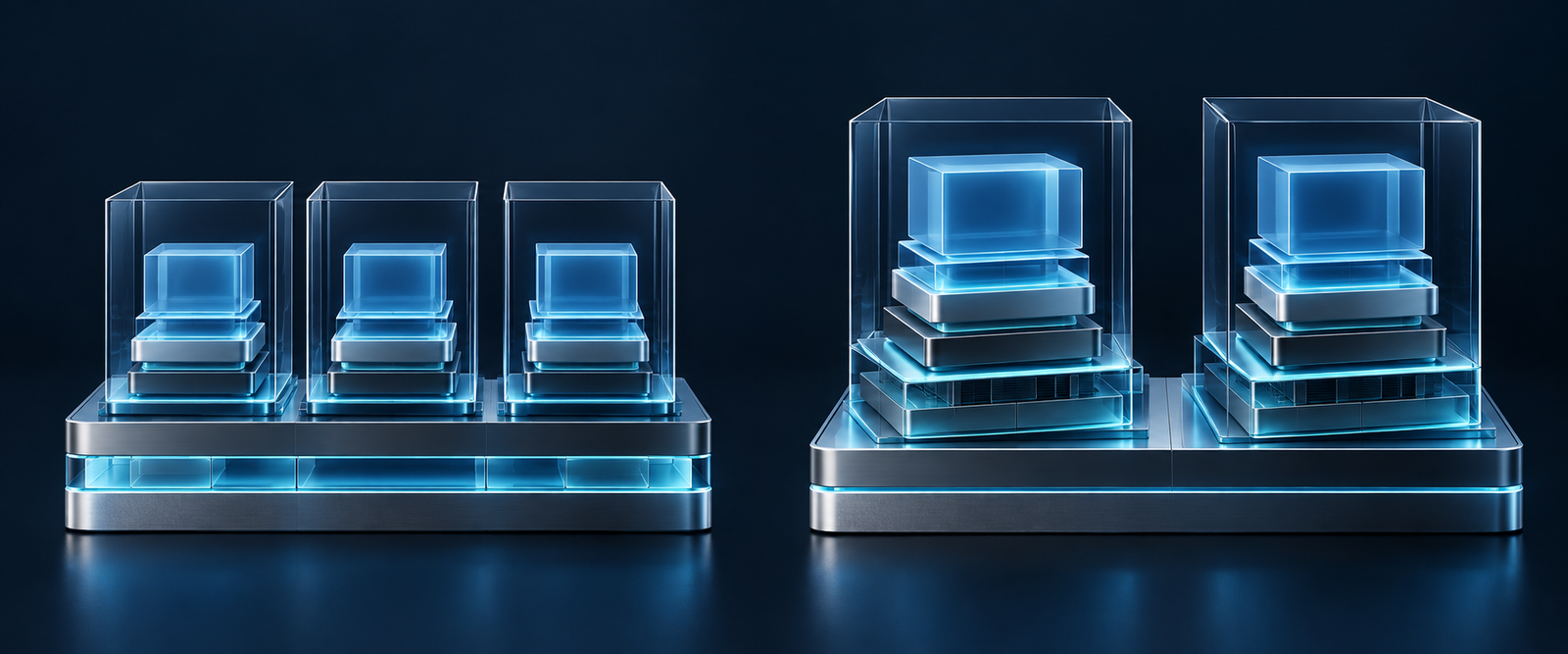
The important question in containers vs virtual machines is what needs to be isolated and operated. A container usually packages an application process and its dependencies while sharing a kernel. A virtual machine provides a guest operating system with its own kernel on virtualized hardware. That difference changes management, compatibility and security responsibilities.
Neither choice removes the need for updates, backups or access control. Many deployments use both: containers inside virtual machines. Compare the complete arrangement rather than assuming that the smaller package is always faster, safer or easier to recover.
Compare the kernel boundary
Docker’s container introduction describes containers as isolated processes and contrasts their shared kernel with a VM’s guest operating system. A container image includes application files and user-space dependencies; it does not normally include a separately running kernel for each container.
A virtual machine’s guest operating system brings a different boundary. Its kernel and installed system can be maintained separately from another guest on the same host. The hypervisor and physical host still matter, so a VM should not be described as completely disconnected from shared infrastructure or immune to compromise.
| Question | Container | Virtual machine |
|---|---|---|
| Kernel | Shared with the container environment | Separate guest kernel |
| Packaged unit | Application and user-space dependencies | Guest operating environment |
| Updates | Image/runtime/host responsibilities | Guest/hypervisor/host responsibilities |
| Data recovery | Persistent data needs its own plan | Guest disks and app data need a plan |
These are general distinctions, not guarantees for every platform. Specialized runtimes and managed services can add other isolation layers. Establish which environment actually runs your workload before using a high-level label to make a security or compatibility decision.
Understand why they often run together
Red Hat’s comparison explains that containers and VMs can coexist within one architecture. A VM can provide an operating environment while containers provide repeatable application packages inside it. The layers solve different problems, so using both is not necessarily duplication.
For example, a fictional team may use a VM as the deployment environment and run a web application and worker as separate containers. The team still has to assign responsibility for the guest system, container runtime, application images and persistent data. Naming the layers makes those responsibilities visible.
Development laptops can add another layer as well. Docker Desktop’s Windows documentation distinguishes Linux-container backends from Windows containers and their requirements. A Linux container on a Windows desktop does not mean a Linux application is directly sharing the Windows kernel.
That matters when comparing local and production behavior. Record the runtime, host platform and relevant resource settings, not just the container image name. A demonstration on one desktop configuration is not proof that an application will behave identically on another architecture or under a production workload.
Separate portability from universal compatibility
Packaging dependencies into an image can reduce differences between application environments. It does not remove the need for a compatible operating-system environment, processor architecture, configuration and external services. A database address or secret supplied at runtime remains an operational dependency even when the application files are packaged neatly.
VM images also depend on supported virtualization formats, hardware expectations and platform features. Moving a disk image is only part of migration. Network settings, identity, storage attachments and service dependencies need checking before the application can be considered usable in its new environment.
Document the runtime contract
- Supported operating environment and processor architecture.
- Configuration and secrets supplied outside the package.
- Network connections and services the application requires.
- Storage that must survive replacement or migration.
- Resource needs and expected behavior when limits are reached.
Use that contract to compare an actual target environment with the application, rather than relying on the phrase runs anywhere. It also gives a new maintainer something concrete to verify when a deployment works in development but fails elsewhere.
Treat isolation as a configuration question
Sharing a kernel makes the host and runtime configuration central to Linux container security. Docker’s security guidance discusses kernel namespaces, control groups, capabilities and the daemon’s attack surface. Those mechanisms provide useful boundaries, but configuration can expand what a container can access.
A container with broad host filesystem mounts or privileged runtime access has different risks from a narrowly configured application. Access to the Docker control interface is particularly powerful. Restrict it to trusted administrators and supported management paths; do not expose a daemon merely to make remote deployment convenient.
A VM is not an automatic answer for untrusted code either. Guest updates, management access, shared folders and network exposure all affect its boundary. Choose a suitable isolation approach for the threat model with qualified support, rather than presenting either technology as a guaranteed sandbox for arbitrary software.
Security note Application packaging and security isolation are related but different decisions. Inspect privileges, mounts, management access and patch responsibilities in the actual deployment. A familiar image or VM label cannot prove that configuration is safe.
Set and observe resource boundaries
Containers avoid starting a separate guest operating system for each application, but that architectural difference is not a benchmark. Startup time, memory use and throughput depend on the workload, storage, platform and configuration. Test the service you need rather than copying a universal speed or density claim.
Docker documents that containers have no resource constraints by default beyond what the host permits, and provides controls for CPU and memory. Set appropriate limits where needed and understand what the application does when memory is exhausted or CPU time is restricted.
VM resource allocations also need observation. Allocating more memory to one guest can reduce what remains available to other work. A capacity plan should include normal demand, the effect of a failing component and the operational response, rather than simply maximizing the number of isolated units on one machine.
Keep persistent data outside the replacement assumption
Replacing an application package is different from recovering its data. Docker volumes persist beyond a container’s lifecycle, while the container’s writable layer is removed with the container. A volume is persistent storage, not automatically a separate protected backup.
For a database, define an application-appropriate backup and restoration procedure. Record which volumes, external storage and configuration are required. Recreating a container from its image can restore software without restoring a single customer record, and a successful launch does not demonstrate complete recovery.
The same discipline applies to VM disks and snapshots. Ask what was captured, which services were writing at the time and how the restored application will be checked. Keep a recovery copy and instructions available outside the failure boundary you are trying to survive.
Choose around the workload and the team
A team needing repeatable application packaging may find containers useful. A workload needing a separate guest operating environment may justify a VM. A deployment needing both can combine them, provided the team can operate the layers. Management capability is part of the design, not an issue to postpone until the first outage.
- Describe the workload’s compatibility and isolation requirements.
- List host, guest, runtime and application ownership.
- Map persistent data and secrets separately from packages.
- Choose and observe resource controls.
- Test deployment, failure and restoration in a disposable environment.
- Document the arrangement before expanding it.
Containers and virtual machines are complementary tools for packaging and separation. The useful comparison follows kernels, privileges, state and maintenance through the complete stack. Choose the arrangement that meets those requirements with responsibilities your team can actually maintain, then verify it with the real application.